Best of14 min read18+
Free AI Feet Generators with No Watermark
Free AI feet generators all promise the same three things: free, no sign-up, no watermark. I ran the same five feet prompts (soles POV, high arch, red toes, strappy heels, poolside) through five generators, tried a no-sign-up preview tool, counted toes, and looked hard at what I could download at $0. The honest answer: you can start free almost everywhere, but free tiers are small, a handful of images or a single one, and clean full-size downloads usually sit on paid plans. Below is what each tool gives you for nothing, how to check a file for a watermark yourself, and the cheapest route to clean files.

 Fact-checked by Amara Okafor
The honest answer
- Free, unlimited, explicit and watermark-free do not come together for $0 anywhere I tested. Free tiers range from one image to a handful.
- Clean, full-resolution downloads usually sit on paid plans. Check every free file yourself before you rely on it.
- JOI AI is the best overall: a companion who sends feet pics in chat and talks about them, starting on a free Neuron balance.
- Candy AI looks the most realistic but gives one free image in total. OurDream AI is best for anime and video, though its free tier reportedly no longer includes image coins.
How I tested
I ran five fixed feet prompts, two renders each, through every tool on a fresh free account, then on the cheapest paid tier where one exists. I scored toe count, nails, soles and ankle alignment, noted the free cap and whether a card was needed, and checked each download at full size for visible marks, blur or a resolution lock.
Free AI feet generators compared
These are the free AI feet generators worth your time, ranked on output quality and what you get for $0, with a companion who can send feet pics in chat counted as a plus. "Free" below means a fresh account, no payment.
| # | Tool | Free allowance | NSFW on free | Feet in chat | Best for | Score | Visit |
|---|---|---|---|---|---|---|---|
| 1 |  JOI AI Top pick | Small starting Neuron balance | Uncensored; photos use Neurons | Yes, plus voice | Feet pics from a companion | 9.2 | Visit → |
| 2 |  Candy AI | 1 image total | One image only | Yes | Most realistic detail | 8.9 | Visit → |
| 3 |  OurDream AI | 5 messages per character, no coins (reported) | No images without coins | Yes | Anime soles, feet video | 8.6 | Visit → |
| 4 |  Nectar AI | Small; check the counter | Check in app | Yes | Consistent look, short video | 8.2 | Visit → |
| 5 |  Lovescape | Chat only; NSFW images locked | No | Yes (Premium) | Feet scenes in a story | 7.9 | Visit → |
| 6 |  Feet Generator AI Our site | 1 free sample preview, no sign-up | Preview only | No | Choosing a style before you pay | 7.0 | Visit → |
- 19.2JOI AITop pick
- Free allowance
- Small starting Neuron balance
- NSFW on free
- Uncensored; photos use Neurons
- Feet in chat
- Yes, plus voice
- Best for
- Feet pics from a companion
- 28.9Candy AI
- Free allowance
- 1 image total
- NSFW on free
- One image only
- Feet in chat
- Yes
- Best for
- Most realistic detail
- 38.6OurDream AI
- Free allowance
- 5 messages per character, no coins (reported)
- NSFW on free
- No images without coins
- Feet in chat
- Yes
- Best for
- Anime soles, feet video
- 48.2Nectar AI
- Free allowance
- Small; check the counter
- NSFW on free
- Check in app
- Feet in chat
- Yes
- Best for
- Consistent look, short video
- 57.9Lovescape
- Free allowance
- Chat only; NSFW images locked
- NSFW on free
- No
- Feet in chat
- Yes (Premium)
- Best for
- Feet scenes in a story
- 67.0Feet Generator AIOur site
- Free allowance
- 1 free sample preview, no sign-up
- NSFW on free
- Preview only
- Feet in chat
- No
- Best for
- Choosing a style before you pay
What "free" and "no watermark" really mean
Both words get stretched. "Free" can mean a one-off trial balance, a small daily allowance, or a preview you can look at but not use. Before you sign up anywhere, work out which one you are getting. A visible digital watermark is the usual way a free tier marks a preview as not yours to use.
- One-off free balance
- A starting pot of credits or images that does not refill. JOI AI and Candy AI work this way.
- Daily allowance
- A cap that resets each day. More useful for regular use, and rarer for images than for chat.
- Preview
- You see an image in the browser, but the full file, or a version without an overlay, needs an upgrade.
- Visible watermark
- A logo or text stamped on the image, usually in a corner or tiled across the middle.
- Resolution lock
- No mark, but the free download is small. Fine on a phone screen, soft when you zoom in.
- Metadata label
- Some generators embed an "AI-generated" tag in the file data. Invisible, and not a watermark in the usual sense, but it travels with the file.
Cropping or editing out a watermark usually breaks the tool's terms and can get your account closed. If you need clean files, the paid plan is the legitimate route.
1. JOI AI: best AI feet generator overall
JOI AI is a companion app first, which turns out to be its advantage for feet. You design a character, chat with her, and ask for feet pics in the conversation; she sends them and talks about them, out loud if you like, since voice is JOI's strongest feature.
Feet quality and angles
Soles and arch shots came out well when I asked for one angle at a time. Quality is not perfectly consistent: some renders had small artifacts, and other testers have reported the same. Because you are charged per photo whether you like it or not, write a precise request rather than regenerating.
Free tier, watermark and resolution
New accounts get a small starting Neuron balance, with 100 more for linking Discord. A photo costs up to 120 Neurons, so the free balance covers a few images. I could not confirm in writing whether free images carry a mark or a size limit, so download your first one at full size and check it before you spend more (the steps are further down).
Feet pics from your companion
This is what the dedicated generators cannot do. You can set up a character with a foot fetish written into her personality, the way our guide to AI slut creator apps describes, and she will bring it up, pose for it and describe it, so the pictures arrive with context instead of in an empty gallery.
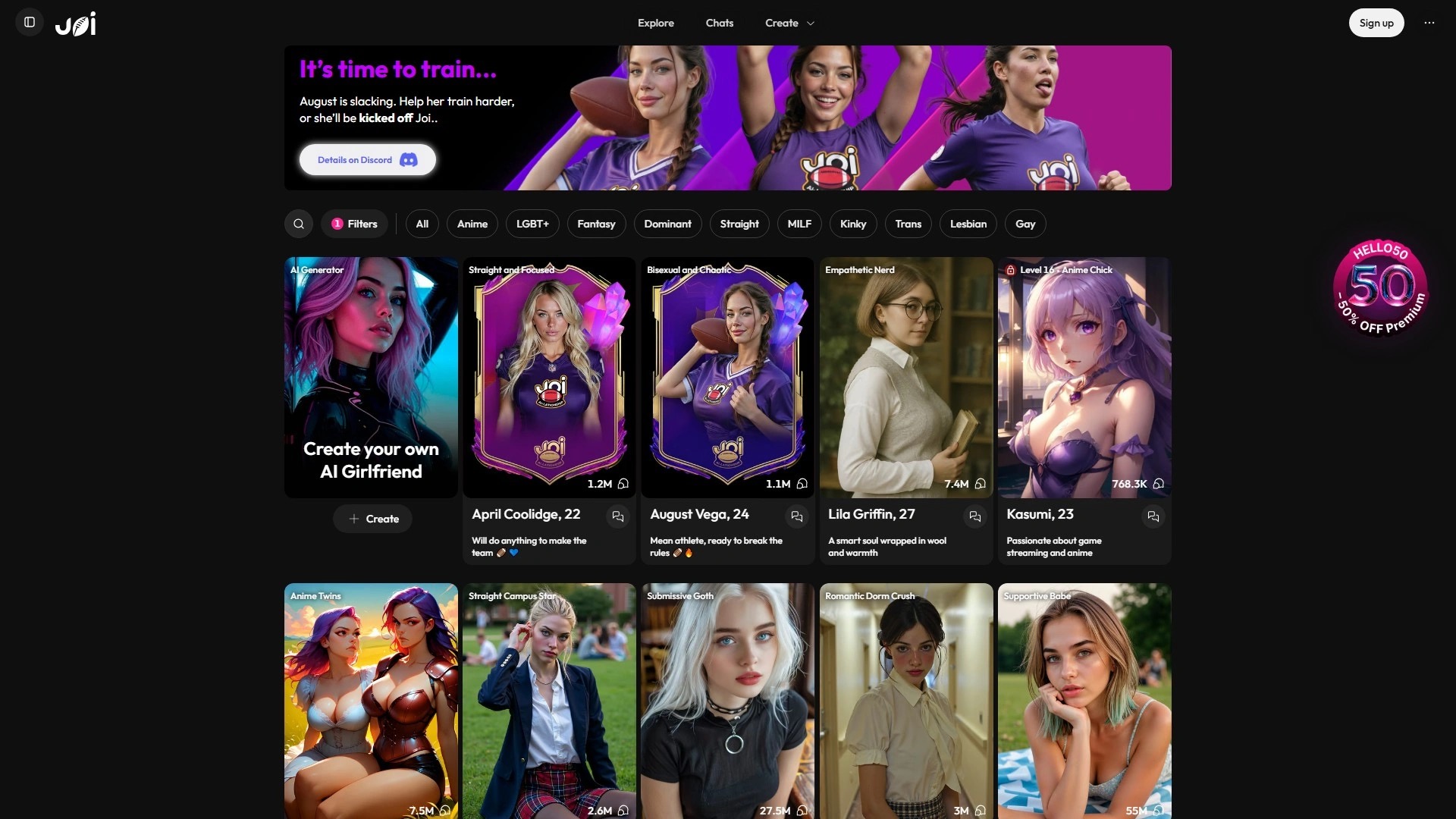 #1
Feet pics from a companion who knows what you like, starting on a free Neuron balance.
Best forFeet content inside a chat, with voice, from a character you designed.
What I liked
- Feet pics sent in chat with context
- Voice in the same session
- Uncensored, explicit requests allowed
- Free starting balance (plus a Discord bonus)
What held it back
- Up to 120 Neurons per photo; the free balance goes fast
- Occasional artifacts, and you pay for weak renders too
- Web only
2. Candy AI: most realistic AI feet pics
Candy AI makes the most realistic images in this list: skin texture, nail detail and natural lighting were a clear step ahead. You request a photo of your companion with the pose, outfit and framing you want, and her face and body stay consistent across shots.
Free tier, watermark and resolution
The free tier gives you one image in total, so this is not a free generator in any practical sense. Use that one image to check the quality and the file, then decide. More images need tokens on Premium.
Feet quality and angles
Close-ups of toes and soles held up well when I named one angle and one surface. Like everything here, it can still add a toe on wide shots; the prompt fixes below help.
 #2
The best-looking feet pics in the category, with one free image to judge them by.
Best forRealistic feet close-ups of a consistent companion, once you are ready to pay.
What I liked
- Best skin and nail detail
- Consistent character across shots
- Pose, outfit and framing on request
- iOS and Android apps
What held it back
- One free image in total
- Images need tokens after that
- Wide shots can still produce extra toes
3. OurDream AI: best for anime soles and feet video
OurDream AI is the strongest standalone image generator of the companion apps, with Realism, Cinema and Anime models and a "Your Look" setting that keeps the same character across images. It also makes video, which matters if you want feet in motion.
Free tier, watermark and resolution
OurDream used to hand new accounts a few free images. Reviewers report that since August 2026 the free tier is 5 chat messages per character with no DreamCoins, so in practice there are no free images any more. On Premium, standard images cost about 5 coins each and the higher-quality mode three to four times as much, so check which mode you are using and compare the file sizes. Our OurDream AI review lists the paid tiers.
Feet quality and video
The Anime model is the best option here for anime soles. Realism did well on arches and poolside shots. Feet video is on paid plans and costs about 100 coins per clip.
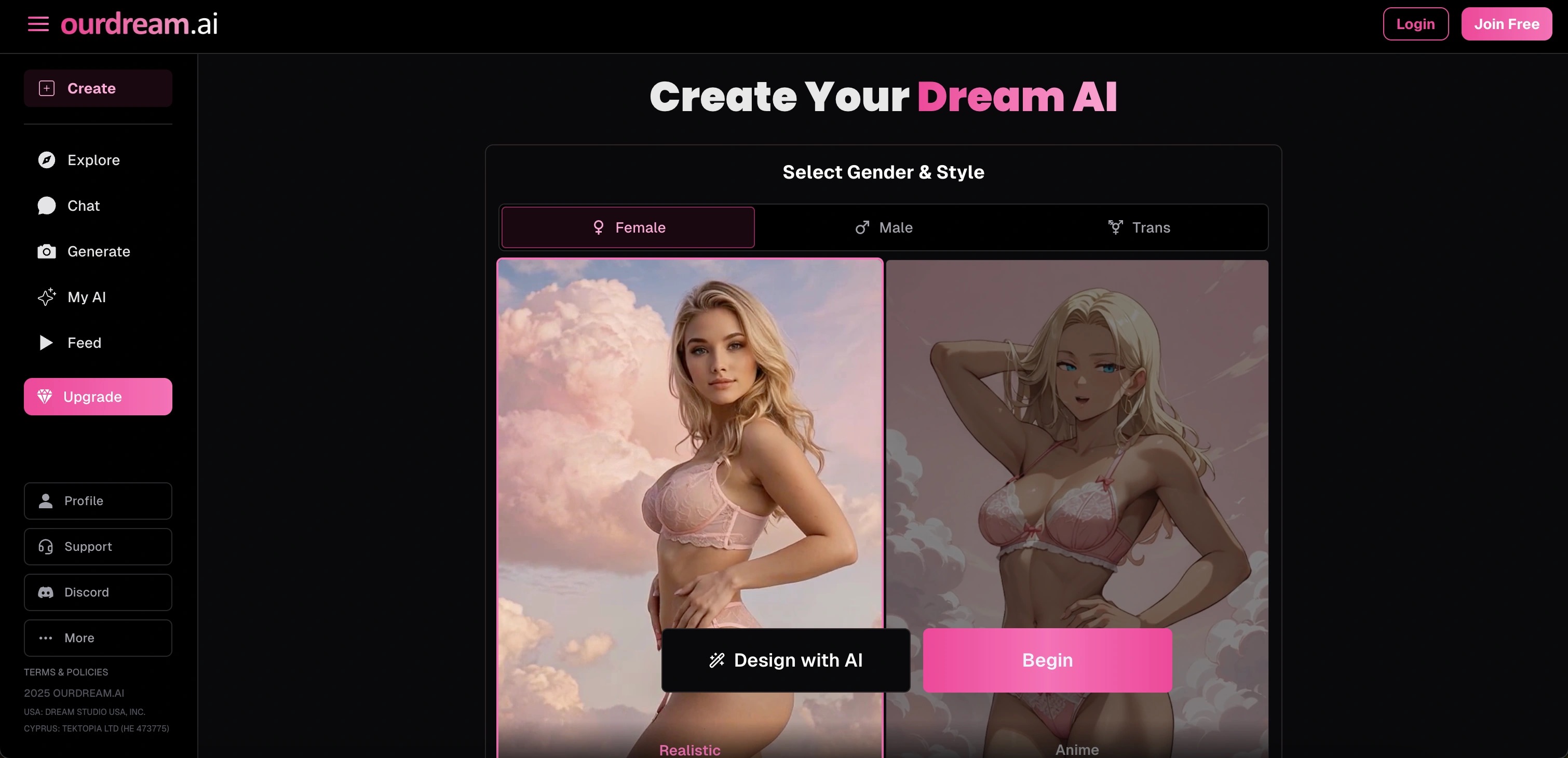 #3
The strongest image models and the only easy route to feet video, once you pay.
Best forAnime soles and short feet clips on a paid plan.
What I liked
- Realism, Cinema and Anime models
- Same character across images
- Feet video on paid plans
What held it back
- Free tier reportedly has no image coins
- Higher-quality mode costs 3 to 4 times the coins
- Video at about 100 coins per clip adds up
4. Nectar AI: consistent photoreal feet
Nectar AI keeps one character looking the same across every image, which helps if you want a set of feet pics that clearly belong to the same woman. It can also make short video clips.
The free image allowance is small and I could not confirm a fixed number, so watch the counter in the app rather than relying on a figure from a review. Billing is a subscription plus credits, so check both before you buy. Run the same download check on your first free image as with every other tool here.
 #4
A matching set of feet pics from the same character, with a small free allowance.
Best forA consistent photoreal character across many images.
What I liked
- Strong character consistency
- Photoreal output
- Short video clips
What held it back
- Small free image allowance
- Subscription plus credits
- Web only
5. Lovescape: feet scenes inside a story
Lovescape is for people who want feet content as part of a scene: she kicks off her heels after a night out, you are at the pool, the story leads somewhere. You build the partner and the setting, and generated photos keep her look consistent.
It is weak on "free". The free tier covers chat; NSFW images are locked behind Premium and use a separate chip balance. If free downloads are the goal, skip it. If you want feet scenes with a story around them and are fine paying, it is the best of these for that, which is why it still makes the list, last among the partners.
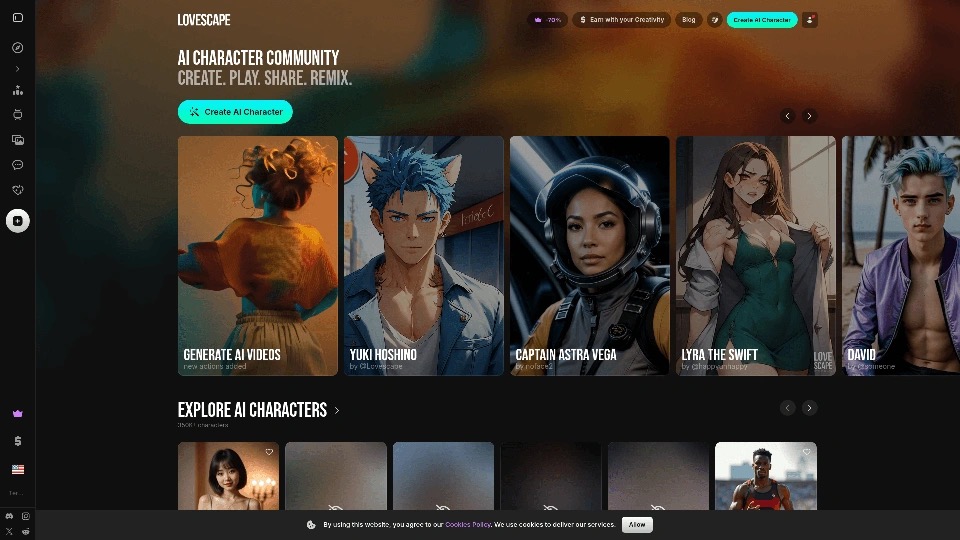 #5
Feet content with a story around it, on Premium only.
Best forStory-led feet scenes with a consistent partner.
What I liked
- Scenes give the pictures context
- Consistent look across photos
- Realistic or anime style
What held it back
- No free NSFW images
- Images use a separate chip balance
- Web only
6. Feet Generator AI: no-sign-up feet style preview
Feet Generator AI is a free, no-sign-up style and preview gallery. You choose realistic or anime, then a pose, scene, angle (sole view, top-down and others) and nail colour, and it shows you a free sample image matching the style and scene you picked.
It does not generate a custom image from your own prompt. The sample comes from its gallery, labelled as a preview. When you want a custom render of your own scene, it hands you off to JOI AI, where the generation happens. Use it to work out what you want, then make it on JOI or another of the AI sex generators we rank.
 #6
A quick, free way to pick a feet style and scene before you generate anywhere.
Best forBrowsing poses, angles and nail colours without an account.
What I liked
- No sign-up
- Clear presets for pose, angle, scene and nails
- Realistic and anime styles
What held it back
- Shows gallery samples, not custom renders
- One free preview
- Custom generation happens on JOI AI
How I tested
Five prompts, two renders each, per tool: soles POV on a bed, high arch on tiptoes, red pedicure close-up, strappy heels on a terrace, and wet feet at a pool edge. Every subject was an adult woman, stated in the prompt. Where a free tier ran out before the set was done, I finished it on the cheapest paid plan and noted which renders were free.
| Criterion | What I checked |
|---|---|
| Free allowance | Images before the paywall, whether it resets, card needed or not |
| Download check | Visible mark, blur, or a resolution lock on the free file |
| Anatomy | Toe count, nails, sole texture, ankle alignment, floor contact |
| Prompt control | Pose, angle, nail colour and scene presets vs free text |
| NSFW range | What is allowed and what gets refused |
| Extras | Feet in chat, voice, video |
Best skin and nails; occasional extra toe on wide shots
Good soles and arches; some artifacts
Strong Realism and Anime models
Consistent, slightly soft detail
Good inside scenes, Premium only
How to generate AI feet pics for free, step by step
- 01
Pick realistic or anime
Decide before you spend any free credits. Most apps tie the style to the character or model, and switching later can cost you a render.
- 02
Set one pose and one angle
Name a single camera angle: "sole view", "top-down", "side profile at floor level". Mixing angles in one prompt is the most common cause of twisted ankles.
- 03
Add nails, skin and scene
Nail colour, skin tone, surface (sheets, tiles, sand) and light. Small concrete details beat adjectives like "beautiful".
- 04
Fix extra toes
Write "five toes on each visible foot" and keep both feet in frame or crop to one. Wide shots with legs crossed confuse every model here; close-ups rarely do.
- 05
Check the download is clean
Save the file at full size, then open it at 100% zoom. Look at all four corners and the centre for a logo or text, check the pixel dimensions in your file info, and compare with what the app showed you. If it is small, marked or blurred, that is the free tier; the paid plan is the way to clean files.
10 AI feet prompts to copy
Each prompt names an adult woman and one angle. Paste into a generator, or ask your companion for "a photo of you" with the same details.
Soles POV
“Adult woman lying on her stomach on white sheets, soles of both feet toward the camera, soft morning light, five toes on each foot, close-up.”
High arch
“Adult woman standing on tiptoes on a wooden floor, side view at floor level, high arch, bare feet, natural light.”
Crossed ankles
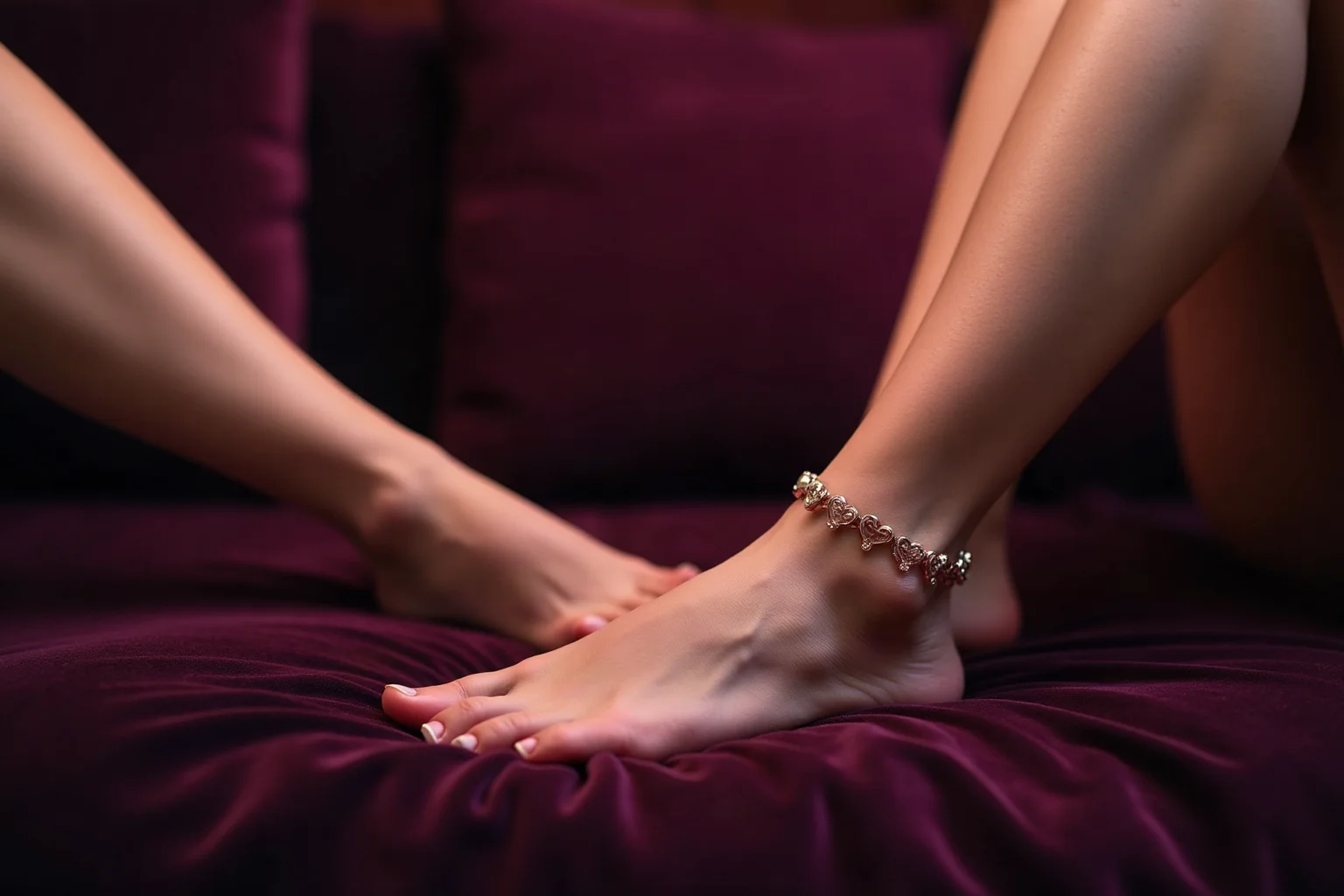
“Adult woman relaxing on a velvet sofa, ankles crossed on a cushion, bare feet, warm lamp light, medium shot.”
Red pedicure
“Close-up of an adult woman's feet with glossy red nail polish, top-down view, on a cream rug.”
Wrinkled soles
“Adult woman sitting cross-legged, soles visible and slightly wrinkled, sole view, studio lighting, sharp detail.”
Bubble bath
“Adult woman's feet resting on the edge of a bubble bath, toes pointed, candlelight, side view.”
Strappy heels
“Adult woman seated on a terrace at sunset, legs crossed, black strappy heels, low angle, warm light.”
Stockings
“Adult woman in sheer black stockings, feet resting on a footstool, top-down view, dim bedroom light.”
Name the fabric and colour, or the model guesses.
Poolside
“Adult woman sitting at a pool edge, wet bare feet just above the water, bright sun, side view, droplets visible.”
Anime soles
“Anime style, adult woman sitting on a bed, soles toward the viewer, pastel colours, clean line art, five toes on each foot.”
Use an anime model; realistic models blur line art.
Can you use AI feet pics commercially, or sell them?
It depends on each tool's terms, and those differ more than the marketing suggests. Some grant you rights to what you generate on paid plans, some restrict free-tier output, and some say nothing clear. Read the terms of the tool you use before selling or posting anything.
No real people
Never generate images of a real person or upload someone else's photos. Likeness rules apply to feet content too.
Label it as AI
Most platforms that allow selling content require AI-generated images to be disclosed. Passing them off as real photos can get your account banned.
Platform rules come first
Even if the generator allows commercial use, the site you post on may not allow AI content at all.
Privacy: are your feet pics saved?
Usually, yes. Companion apps keep your images in the chat and in a gallery so you can scroll back. Find the delete option for images and chats, check whether deleting a chat also removes its pictures, and do it before you cancel a subscription. Use a separate email, and check what will appear on your card statement before you pay. For what deletion actually removes, see our guide to what happens when you delete your AI chats.
Verdict
There is no free AI feet generator that is unlimited, explicit and watermark-free at the same time, and pages that say otherwise rarely show you the download. Start free on JOI AI for feet pics from a companion who talks about them, go to Candy AI when realism matters and you are ready to pay, and use OurDream AI for anime soles and video. Whatever you pick, check the file before you count it as clean.
Answers
Frequently asked questions
01Is there a truly free AI feet generator with no watermark?
Not one that is also unlimited and allows NSFW. Free AI feet generators give you a small allowance, from one image on Candy AI to a few photos on JOI AI's starting Neuron balance, and clean full-size downloads usually need a paid plan. Check each free file at full size for marks or a size limit.
02Which AI feet generator has the most free images?
Of the tools here, JOI AI: its free Neuron balance covers a few photos at up to 120 Neurons each, plus 100 Neurons for linking Discord. Candy AI gives one image in total, Nectar AI a small allowance, and OurDream AI's free tier reportedly no longer includes coins for images.
03Do I need to sign up to make AI feet pics?
For custom images, yes, on every tool here. Feet Generator AI lets you browse styles and see a free sample preview without signing up, then sends you to JOI AI for custom generation.
04How do I stop AI from adding extra toes?
Write "five toes on each visible foot", name a single camera angle, and favour close-ups over wide shots with crossed legs. Regenerating with a tighter crop fixes most errors.
05Can AI feet generators make NSFW or fetish images?
JOI AI, Candy AI, OurDream AI, Lovescape and Nectar AI allow explicit adult content on paid plans. Free tiers are often more limited: OurDream AI's free tier reportedly has no image coins and Lovescape locks NSFW images to Premium.
06Can I sell or post AI-generated feet pics?
Only if the generator's terms allow it and the platform you post on accepts AI content. Always disclose that images are AI-generated, and never use a real person's likeness.
18+ · Try it now
Start free, then get clean files
JOI AI gives you a free Neuron balance to try feet pics from a companion you design. Upgrade when you want more images than the free balance covers.
External links · 18+ only
Written by
Theo LindqvistTheo covers the visual and audio side of adult AI — image, video and voice generation. He benchmarks NSFW generators and companion simulators for output quality, prompt control, censorship and speed, and maintains our reproducible testing rig so comparisons stay fair across platforms and model updates.
View profile →Keep reading
Our articles

Best AI Slut Creator Apps with Chat in 2026
Seven AI slut creator apps tested with the same character: how deep each builder goes, whether her pics match the face you made, and what is actually free.
Candy AI Anime Girlfriends: Worth Creating One?
I gave Candy AI's creator identical answers twice and changed one switch: Anime. Here is how the anime girlfriend compares with the realistic one, what it costs and who should build one.

Best AI Apps for Sexting with Voice (2026)
Five AI apps for sexting tested by voice note and live call, plus a free text warm-up: who sounds like a person, how much voice you get for free, what a call costs, and where your audio goes.